Hands On With The Blu Vivo Air: So Sleek, So Thin, So Affordable
In June of last year, Blu released its sleekest phone yet, the Vivo IV. This ultra-thin, super-svelte handset really put an emphasis on design, something that no other Blu phone before had really done. At CES, the company announced the newest member of the Vivo line, the Vivo Air. At just 5.1 mm thick, this is the thinnest smartphone you can currently buy in the US. It's stupid-thin, but it also weighs under 100 grams, so it's equally as light. So, stupid-light.
Based on its specs, I wouldn't necessarily call the Vivo Air the IV's successor, but rather just a new addition to that product family. In fact, the Vivo IV is still more powerful than the Air, though both devices feature the same MediaTek octa-core chipset. What the Air is, however, is thinner, lighter, and more affordable. And you know what? I'm OK with that. I've really enjoyed using the Air, specs be damned.
Here's a look at what it's packing under the hood.
Specs
- Display: 5-inch 1280x720 Super AMOLED with Gorilla Glass 3
- Processor: 1.7GHz Octa-Core MediaTek MT6592 with ARM MALI 450 GPU
- RAM: 1GB
- Camera: 8MP rear shooter, 5MP front
- Storage: 16GB
- Ports: microUSB, 3.5mm headphone jack
- Wireless: (GSM/GPRS/EDGE) 850/900/1800/1900 MHz, (4G HSPA+ 21Mbps) 850/1900/2100
- Dimensions: 1139.8 x 67.5 x 5.15 mm
- Battery: 2100mAh
- OS: Android 4.4.2 (slated to get Lollipop later this year)
- Available colors: White Gold, Black
- Price: $199
- Buy: Amazon
By comparison, the IV has 2GB of RAM, a 13MP rear shooter, and a 1080p display. But it's also $100 more, so there's that. They both have KitKat for the time being, though the Air is slated to get Lollipop later this year. There's no word on whether the IV will see another update or not.
With that bit out of the way, let's talk specifically about the Air, shall we?
Pros | Cons |
- Super light and thin
- Absolutely beautiful design
- Surprisingly responsive considering its limited RAM
- Very nice screen and camera for the price
| - Only 1GB RAM
- No LTE
- 16GB storage with no option for expansion
|
Appearance, Hardware, and Build Quality
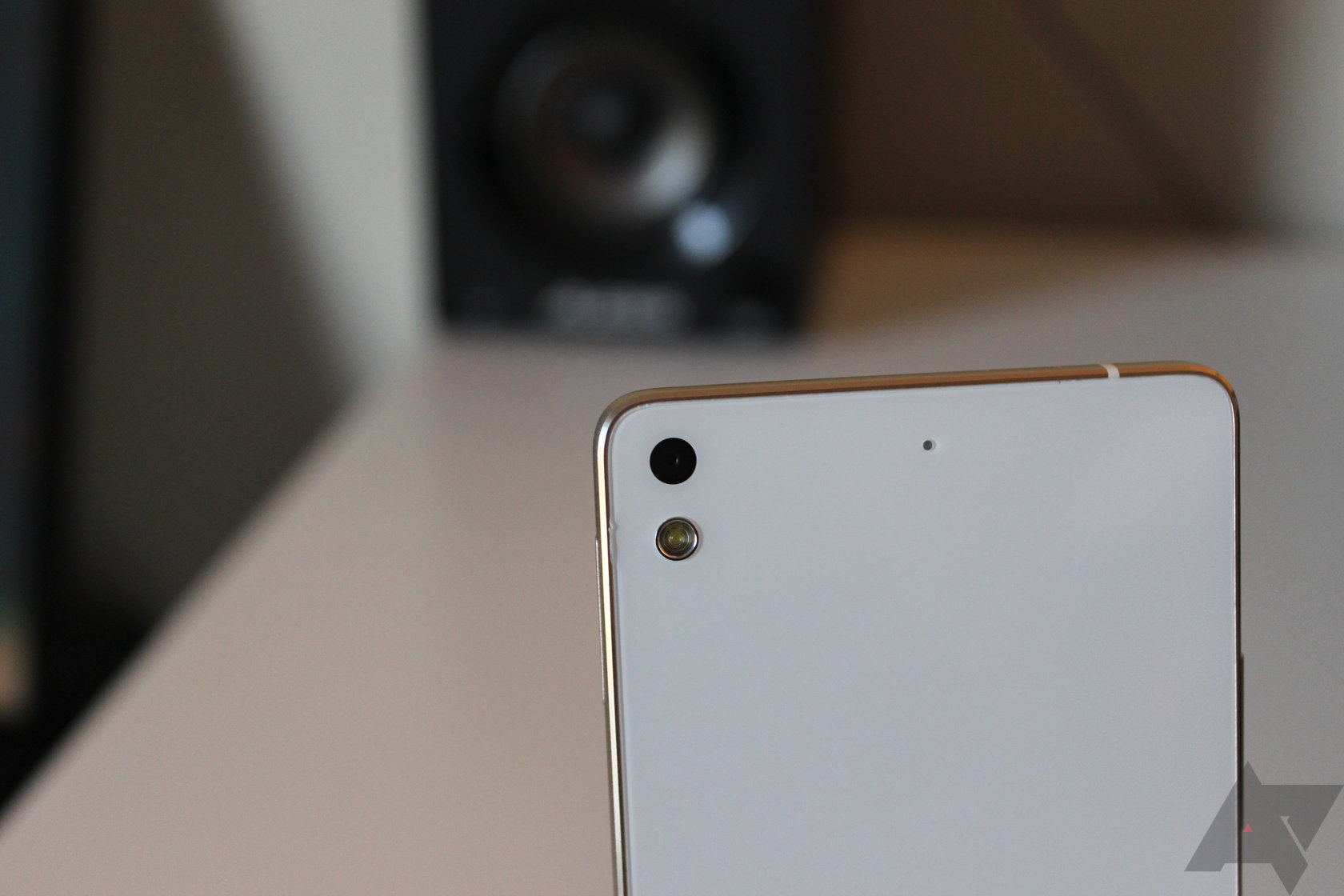
Right out of the box, it's hard to deny this phone's sleekness. It's so thin and light, but it doesn't feel cheap or flimsy like so many lightweight devices do. Naturally, it's very reminiscent of the Vivo IV, but I think it feels better - not as cold or "sharp" as its counterpart. I absolutely love how it feels to hold and use; if you didn't know otherwise, you'd never guess that this is a $199 phone.
Both the front and back are covered in Gorilla Glass 3, which is something I wasn't a huge fan of on the IV (mostly just the back), but I actually don't mind on the Air. Because the sides are slightly tapered, the transition from side to back isn't as dramatic, and it just feels easier to hold. That makes the entire thing feel better. Also, the more I used it, the "grippier" the back became, and my fears of dropping it lessened. Like all other Blu devices, it also ships with a silicone case, so if you're really worried about dropping it, just toss that on there. It's also very thin, so it doesn't actually take that much away from the overall sexiness of the phone itself, which is typically my primary argument against cases in the first place.
There are two color schemes available: black and white/gold. While I can't speak about how the black looks in person, the white and gold one is surprisingly beautiful. I admit I was skeptical about the gold banding initially, thinking it would make the phone look cheap, but it's great. It really fits in well with the white and just adds to the overall modern look of the device. I dig it quite a bit.
Then there's the display. I've never hidden how much I like Blu displays, and I especially love it when they use Super AMOLED panels. They always tweak the color balance in a way that makes everything pop without being oversaturated. The Air's panel is no different, and looks fantastic despite only being 720p. Like I've said before of other Blu devices, I didn't realize this wasn't a 1080p panel until I checked the specs. It looks good for everything from reading to watching videos, and the stuff you'd do in between. Viewing angles are also quite good, as they generally are with Super AMOLED.
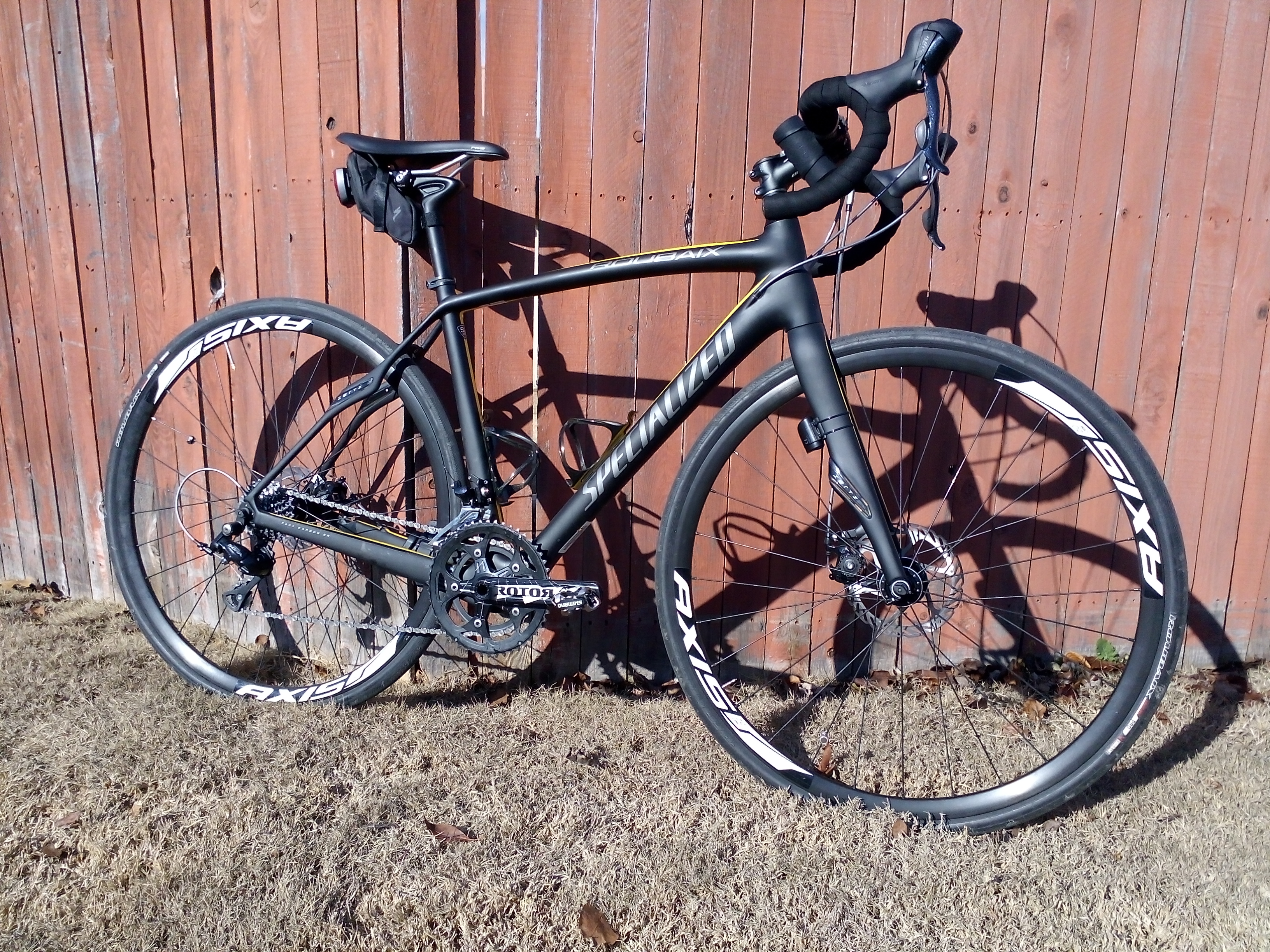
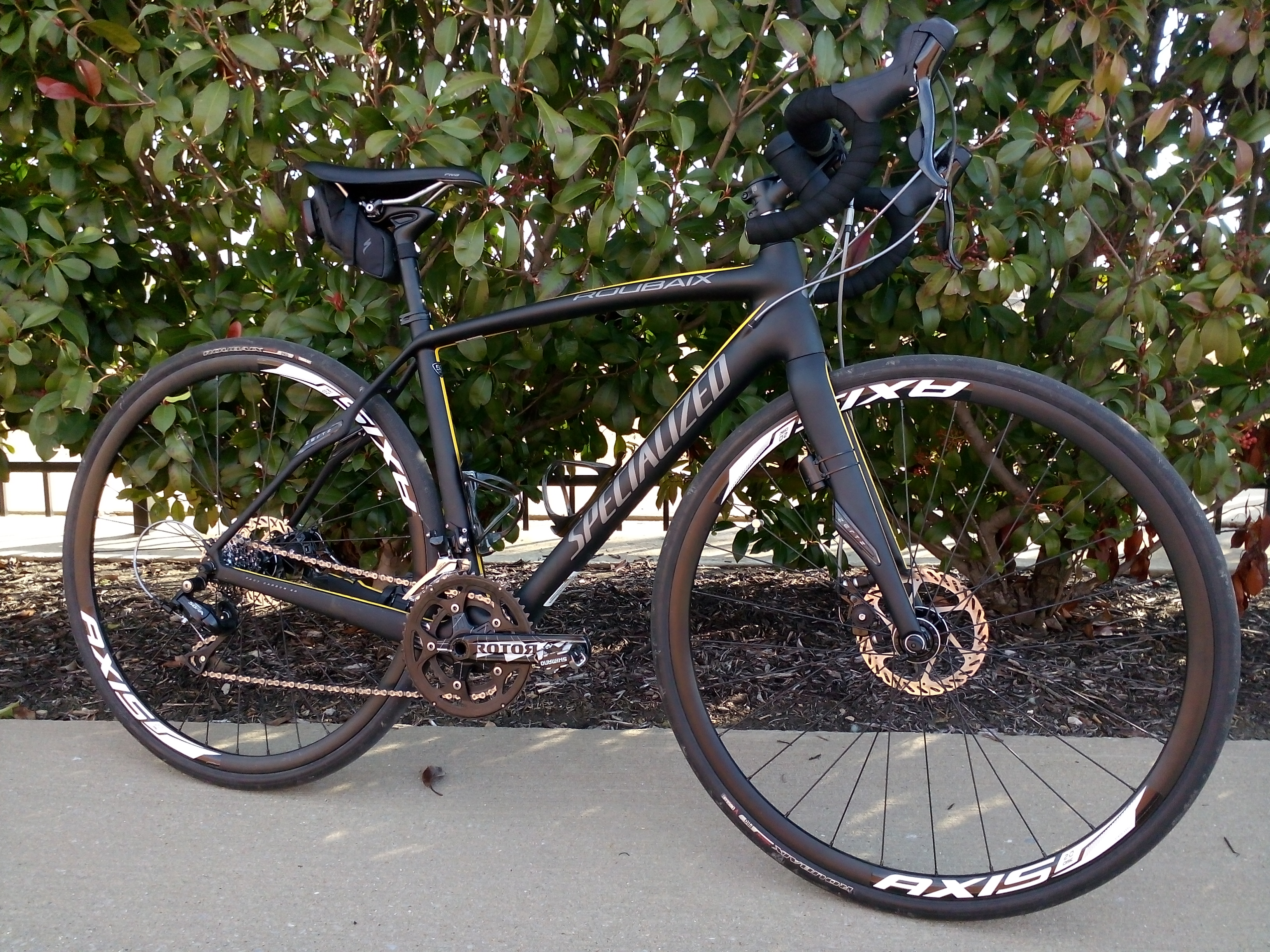
Like the displays, I've always been pretty impressed with the quality of Blu's cameras for the price. The Vivo Air's 8MP shooter can grab some pretty decent images, especially in good lighting. Naturally, outdoor shots end up looking better than indoor images, but I'd say either is good enough for what most users want from their phone. For the price of this phone, I have no complaints about the camera.
Here are some sample shots, all unedited.
Software and Performance
When it comes to software, the Vivo Air is almost identical to the Vivo IV after its KitKat update. There are a few differences here and there, all of which work in the Air's favor. For starters - and probably most importantly - there's finally a way to access Google Now using the device's capacitive keys! This is something I've been complaining about with Blu devices since...well, probably since the first one I used. Long-pressing the home key will launch Google Now, while long-pressing the menu button opens the recent apps menu. This is a huge improvement over the way other Blu handsets have handled this, but we're still not quite there yet - I'd like to see a recents button in place of the menu (with maybe the option to long-press it to open the menu). Actually, in an ideal world, phones like the Vivo IV and Air would have on-screen navigation...but I'm getting off topic. I'm just happy that at least there's some sort of additional functionality built into the capacitive keys for now. It's a good start.


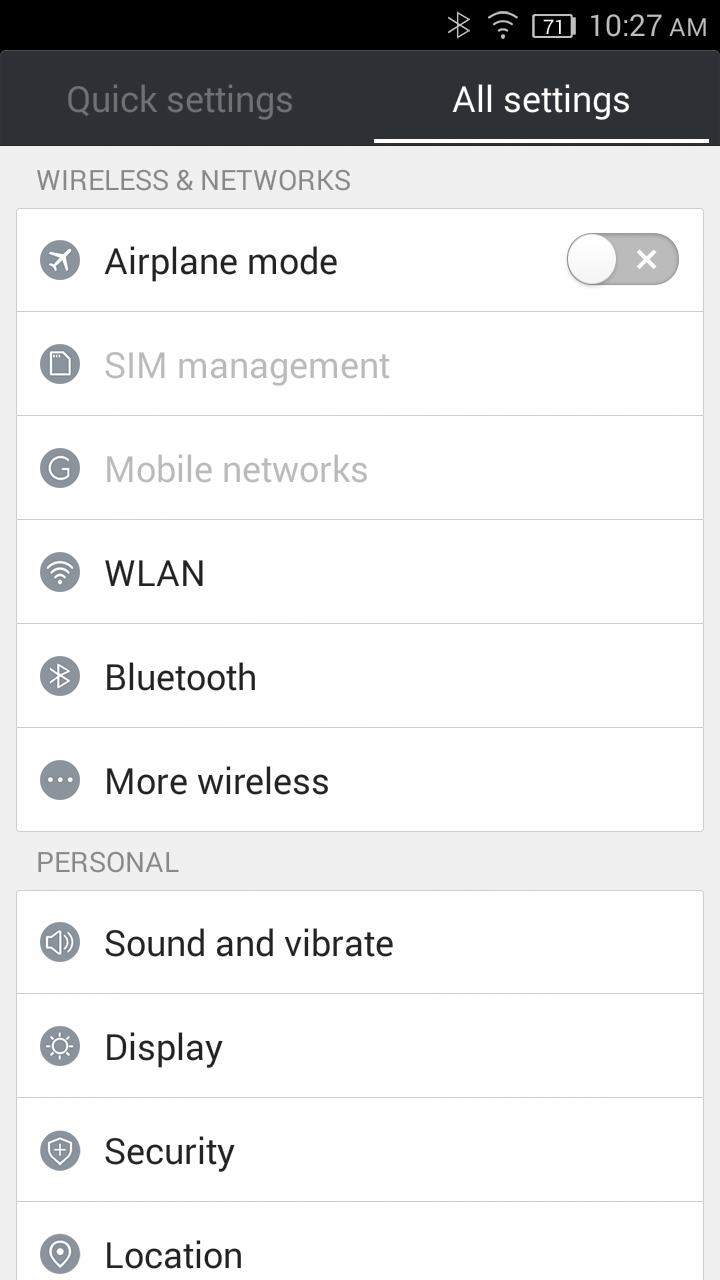
Otherwise, the differences are very minimal. There's an option to put the battery percentage inside of the battery icon itself (you can also place the percentage beside the battery), and...well, that's it. The stock launcher is the exact same: a seemingly endless grid of icons, no app tray, and a single weather widget. It's very iOS-esque, so if you're into that, you'll like it. If not, the Google Now Launcher, Nova, or any of the other third-party alternatives are available in the Play Store and they work perfectly. In fact, one of the first things I did when I started using the Air was switch to the Now launcher. It makes for a much better experience in my opinion.
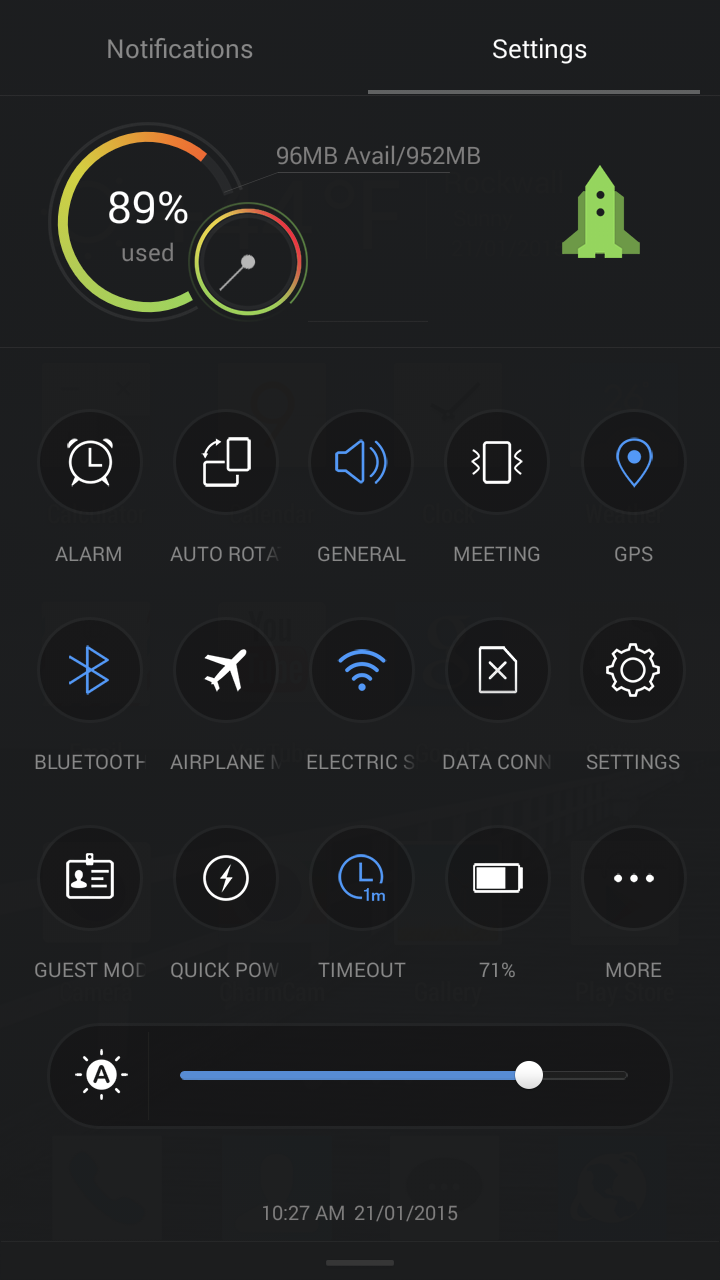
Like I said earlier, the Air only has a single gigabyte of RAM, which is a real bummer. Honestly, I think I could use this little guy as my daily driver if it had an extra gig in there, because it just feels so good. The limited RAM doesn't affect performance that much, but it definitely starts to slow down a bit after some use, and of course background apps get killed off quicker to make room for the newly-launched ones. That means if you're switching between a few, get ready for some refreshes. As an aside, Blu includes a sort of "RAM cleaner" thingy in the settings shade, which I'm not entirely sure how I feel about. On one hand, it makes it easier to give it a little speed boost when things are getting clogged up, but on the other it's basically a task killer. But since I'm not entirely sure how it works, I can't rag on it too much. I guess it's there if you want to use it.


The processor seems to hold its own, much like it does in the Vivo IV (in fact, it probably performs better since there are fewer pixels to push). Now, don't get me wrong, I get the MediaTek hate, but I'm not going to go off on what I consider an unrelated tangent about its processors and source code and yadda yadda yadda. That's a different story for a different time (and one that you'll probably never see on AP, sorry guys).
It's not a speed demon. It's not going to win any awards for performance. It's not going to blow your mind. But for $200, it's going to give you a damn good experience - one that I think would easily best any other device in this price range.
Overall, I have no complaints in the performance department, I just wish it had an extra gig of RAM. (And LTE.)
Conclusion
Left: Vivo Air; Right: Vivo IV
I really like the Vivo Air from Blu. I love how slim and sleek it is, I love how light it is. I really really like how it feels in my hands, and I don't even really mind the limited hardware. The overall experience is great, but it's worth mentioning that it is KitKat. It's slated to get Lollipop later this year, which will be interesting to see - I haven't used a Lollipop device with only one gigabyte of RAM yet, so I'm not sure how well that will work out. Hopefully all the memory leaks will be fixed by then so it doesn't completely kill the experience.
I'm actually still kind of blown away at the price of this device, because there's no way it feels, looks, or responds like a $200 phone. None. For that amount of money, it's the best phone you can buy right now. It just is. Of course, Blu has
a few other ultra-affordable handsets coming out later this year, including the awesome-looking new Life One series. I'm looking forward to checking out everything they announced at CES, but for now, I have zero issues recommending the Vivo Air to anyone who is considering buying it. As long as you know what to expect going in (1GB RAM, no LTE), then you should be as pleased as punch. I certainly am.